Disclosure: This guide to invoice software for freelancers contains affiliate links. Purchases through these links may earn us a commission at no extra cost to you. Read our full disclosure.
This guide is based on each tool’s published pricing and fee pages plus user experiences and discussions on G2, Capterra and AppSumo — not on a hands-on test. Sources are linked in the text.
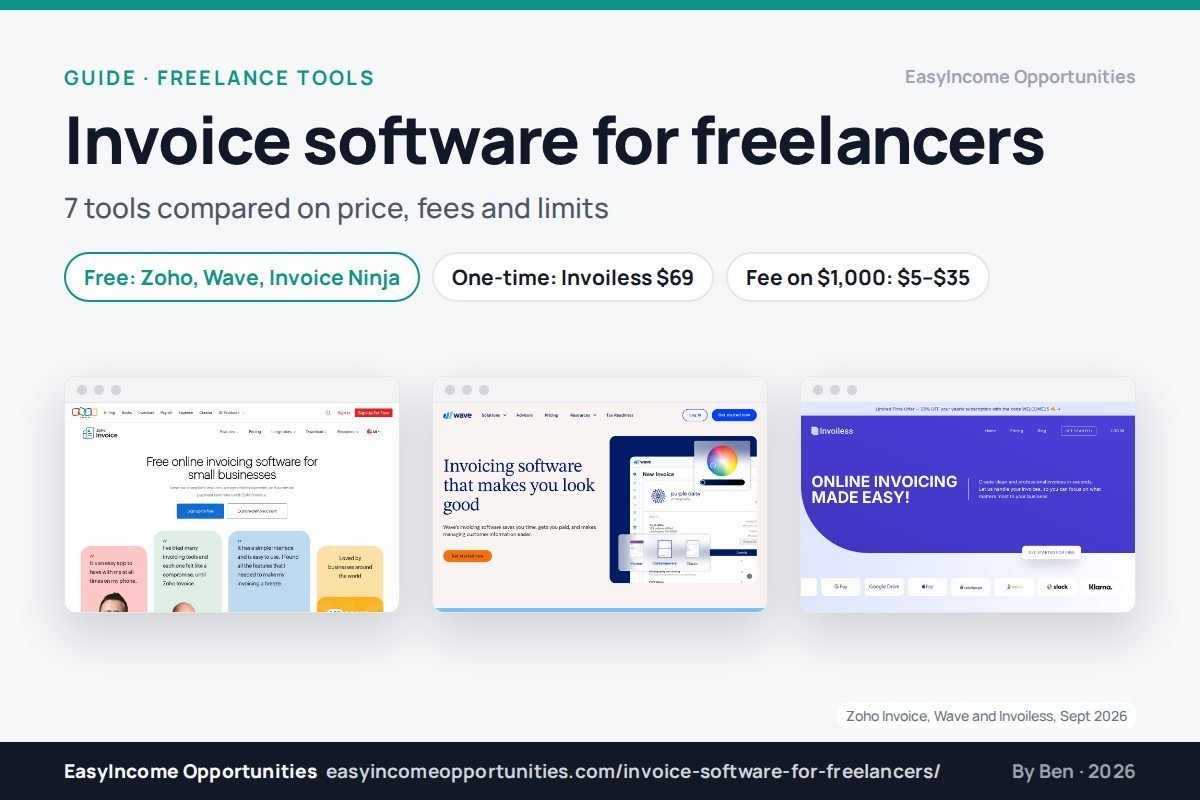
The best invoice software for freelancers depends on two things: how many clients you bill and how your clients pay. For most solo freelancers, a free tool such as Zoho Invoice or Wave covers the basics. If you hate monthly fees, a one-time deal like Invoiless is worth a look. The payment fees matter more than the software price.
Key takeaways
- Zoho Invoice is free for up to 500 invoices a year and 2 users (Zoho Invoice pricing).
- Wave’s Starter plan sends unlimited invoices for $0, but only in the US and Canada (Wave pricing).
- Invoiless sells a lifetime deal for $69 one-time, rated 4.4/5 by 80 AppSumo buyers (AppSumo: Invoiless listing).
- On a $1,000 card payment, fees run from about $29 (Stripe, FreshBooks) to $35 (PayPal checkout) (Stripe pricing; PayPal business fees (US)).
- Bank (ACH) payments cut that to $5–$10, so ask clients to pay by bank where you can (Stripe pricing; Wave Payments fees).
1 Invoice software for freelancers compared (2026)
Seven tools cover almost every freelancer’s needs. Zoho Invoice, Wave and Invoice Ninja have free plans. Invoiless is the only one with a one-time price. FreshBooks and Bonsai are monthly suites with more features. PayPal Invoicing is free to send but has the highest payment fee. The table sorts by price, rating and free plan.
| Tool | Lowest paid price ($/mo) | Free plan | User rating | Main limit |
|---|---|---|---|---|
| Zoho Invoice | $0 (fully free) | Yes, 500 invoices/yr | 4.7 (Capterra, 823) | Zoho branding, invoice cap |
| Wave | $19 | Yes, unlimited invoices | 4.3 (G2, 329) | US and Canada only |
| Invoiless | $69 one-time or $8.25 | Trial size: 3 invoices | 4.4 (AppSumo, 80) | Small free plan |
| Invoice Ninja | $14 | Yes, 5 clients | 4.7 (Capterra, 167) | Reminders need Pro |
| FreshBooks | $23 | No | 4.5 (G2, 981) | Lite: 5 billable clients |
| Bonsai | $25 ($19 yearly) | 7-day trial | 4.3 (G2, 101) | Per-user pricing |
| PayPal Invoicing | $0 to send | Yes | n/a | Highest fee per payment |
2 What do payment fees cost on a $1,000 invoice?
On a $1,000 card payment, you keep about $970. Stripe and FreshBooks take $29.30, Wave $29.60, PayPal card checkout $30.39 and PayPal or Venmo checkout $35.39. Bank transfers cost far less: $10 at 1% on Wave and FreshBooks, and $5 on Stripe ACH, which caps its fee.
| Metric | Value | Source |
|---|---|---|
| Stripe US card fee | 2.9% + $0.30 | Stripe pricing |
| Stripe ACH Direct Debit | 0.8%, max $5 | Stripe pricing |
| Wave card fee (Visa/MC/Discover) | 2.9% + $0.60 | Wave Payments |
| Wave bank payment (ACH) | 1%, min $1 | Wave Payments |
| FreshBooks card / ACH | 2.9% + $0.30 / 1% | FreshBooks pricing |
| PayPal checkout (PayPal, Venmo) | 3.49% + $0.49 | PayPal business fees |
| PayPal card checkout | 2.99% + $0.49 | PayPal business fees |
Clients abroad add another layer of cost on top of these rates. PayPal charges an extra 1.5% on cross-border payments (PayPal business fees (US)), and Stripe adds 1.5% for international cards (Stripe pricing). Invoiless, Zoho Invoice and Invoice Ninja add no fee of their own; you pay whatever the connected processor charges (AppSumo: Invoiless listing; Zoho Invoice pricing; Invoice Ninja pricing).
3 Zoho Invoice: best free invoice app
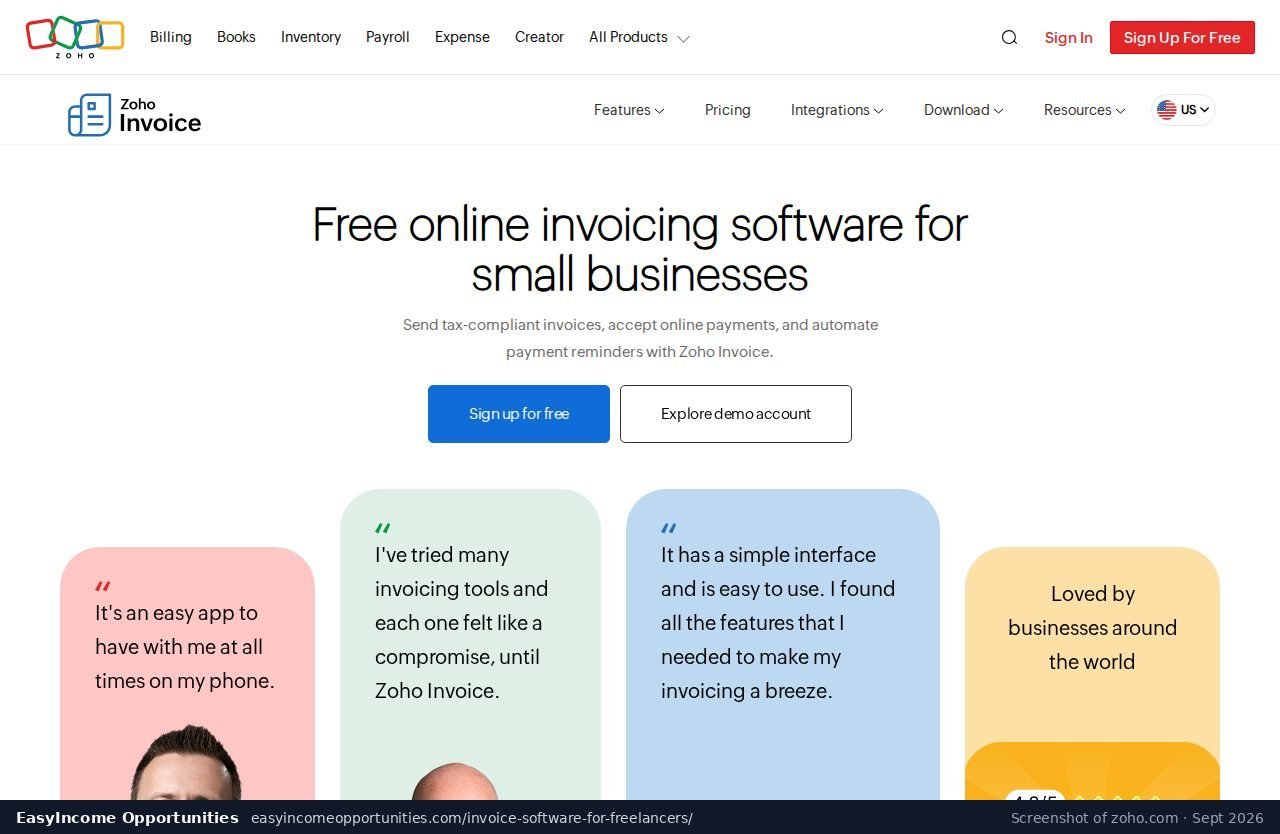
Zoho Invoice is completely free, with no paid tier to upsell you. You get up to 500 invoices a year, two users and three projects. The trade-off is Zoho branding on your documents and a hard yearly cap. It has one of the highest user ratings here: 4.7 from 823 Capterra reviews.
For a freelancer sending ten to forty invoices a month, 500 a year is plenty (Zoho Invoice pricing). Users rate it 4.7 out of 5 on Capterra across 823 reviews (Capterra: Zoho Invoice reviews). Zoho charges no fee of its own, so payment costs depend on the gateway you connect.
Weak point: the “Powered by Zoho Invoice” branding stays on the free plan, and heavier users get pushed toward the paid Zoho Billing (Zoho Invoice pricing).
Who it suits: new freelancers who want a clean, professional-looking free tool without a limit on the number of clients they can bill.
4 Wave: best for freelancers in the US and Canada
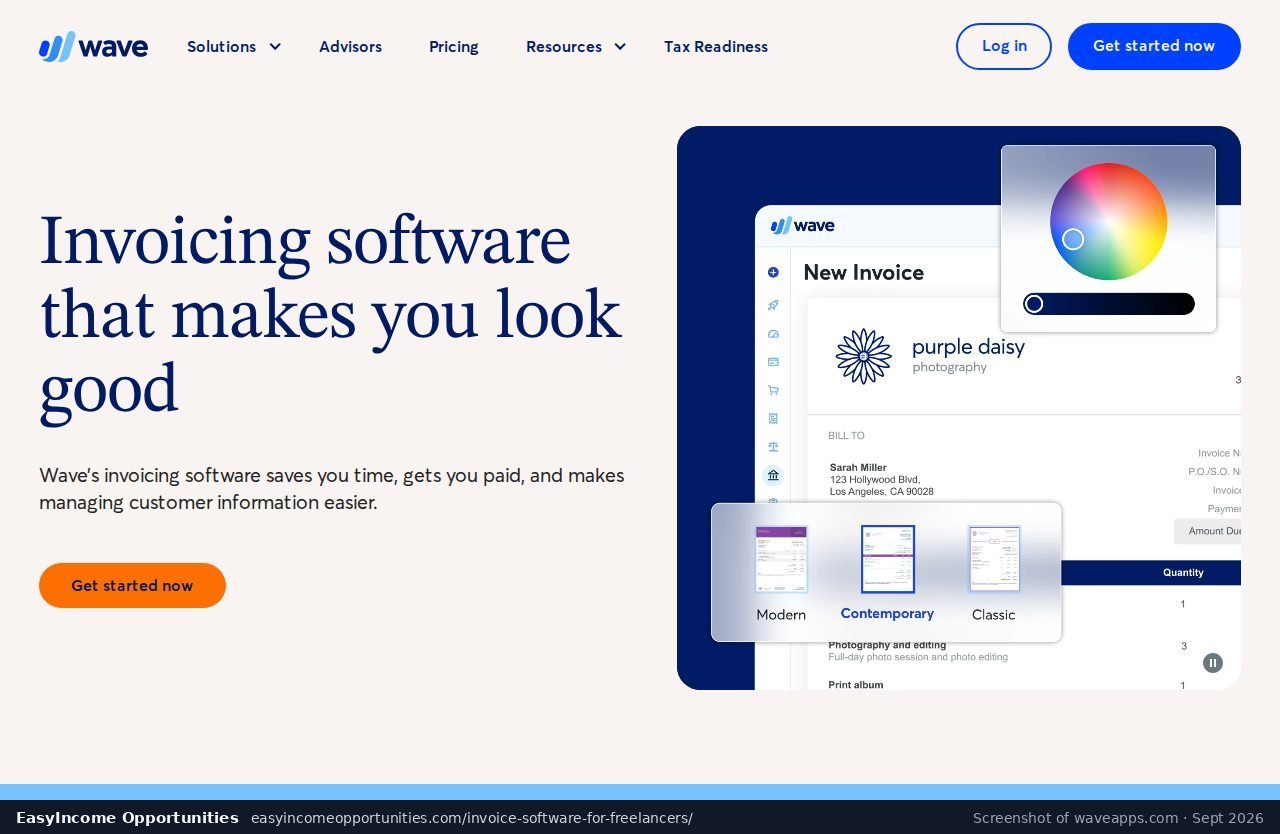
Wave’s free Starter plan sends unlimited invoices, and its Pro plan costs $19 a month or $190 a year. Card payments cost 2.9% plus $0.60, and bank payments 1% with a $1 minimum. It only works in the US and Canada, and automatic late-payment reminders need Pro.
Wave rates 4.3 out of 5 on G2 from 329 reviews (G2: Wave reviews). The Pro plan also cuts card fees on your first ten card payments each month to 2.9% with no fixed fee (Wave Payments fees). Wave claims customers who take online payments mark invoices paid three times faster than with cash or check. That is the vendor’s own figure, but it matches the logic of the Bonsai data (Wave Payments fees).
Weak point: G2 reviewers mention weak support, payments that were held, and features that moved behind the paid plan (G2: Wave reviews).
Who it suits: freelancers based in the United States or Canada who want free invoicing together with built-in card and bank payments.
5 Invoiless: best one-time price
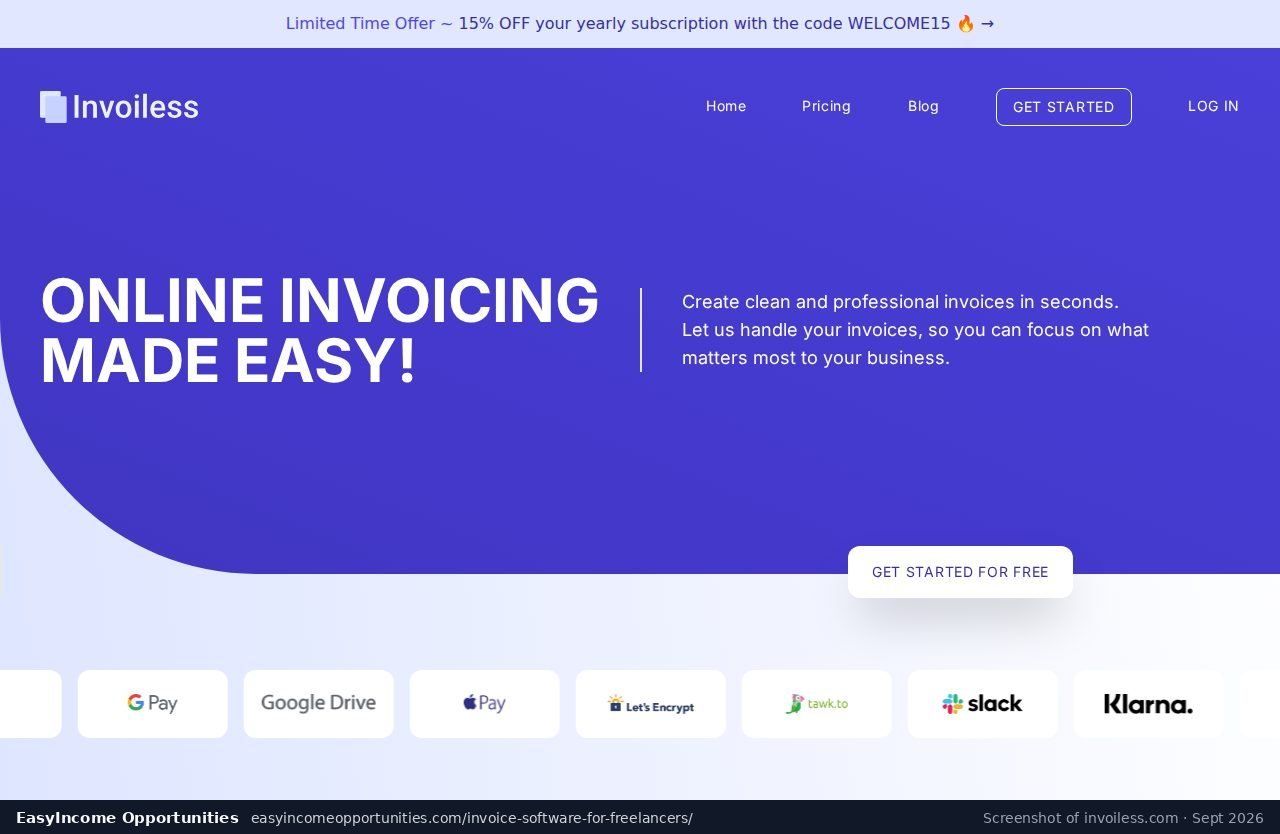
Invoiless is a lean invoicing app with a lifetime deal on AppSumo for $69, listed as 87% off a $540 value, with a 60-day refund window. Its own Pro plan costs $8.25 a month. Clients can pay through Stripe, PayPal or GoCardless. AppSumo buyers rate it 4.4 out of 5 from 80 reviews.
The one-time price is the main reason freelancers look at Invoiless. At $69 it pays for itself against Wave Pro in under four months, and against FreshBooks Lite in three (AppSumo: Invoiless listing; Wave pricing; FreshBooks pricing). The free plan on its own site is small: three invoices, one recurring invoice and three estimates (Invoiless pricing). The Pro plan removes those limits.
Weak point: the free plan is trial-sized, and some AppSumo buyers report issues with white-labelling and client-facing branding (Invoiless pricing; AppSumo: Invoiless listing).
Who it suits: freelancers who want to stop paying a monthly subscription and only need clean invoices, estimates and online payments.
See the Invoiless lifetime deal on AppSumo
AppSumo lists a 60-day money-back guarantee on this deal.
6 Invoice Ninja: best low monthly price
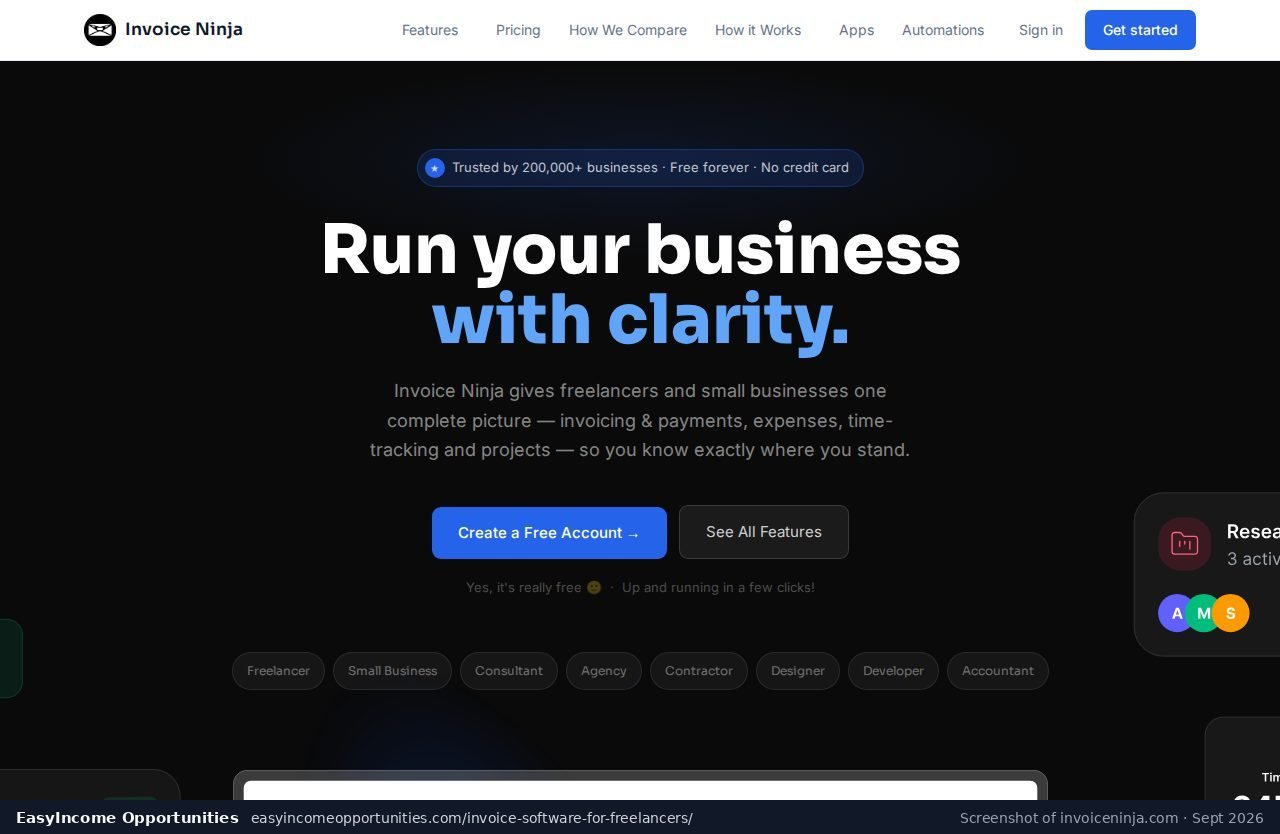
Invoice Ninja has a free plan for up to five clients, including recurring invoices and online payments. Pro costs $14 a month or $140 a year, and Enterprise starts at $18. It scores 4.7 from 167 reviews on Capterra, but only 4.3 from 22 reviews on G2.
The free plan is generous for someone with a few steady retainer clients (Invoice Ninja pricing). Once you pass five clients, or once you want automatic payment reminders to chase late invoices for you, you need the Pro plan. Capterra users rate it 4.7 out of 5 (Capterra: Invoice Ninja reviews).
Weak point: reviewers report bugs after the move from version 4 to version 5 and uneven support (Capterra: Invoice Ninja reviews).
Who it suits: freelancers with a small, steady client list who want a free start and an affordable upgrade path later on.
7 FreshBooks: best-rated paid suite
FreshBooks is a paid accounting suite with invoicing at its core. Lite costs $23 a month for five billable clients, Plus $43 for 50 clients and Premium $70 for unlimited clients. Card payments cost 2.9% plus $0.30 and bank payments 1%. It holds 4.5 stars from 981 G2 reviews.
FreshBooks often runs deep first-year promotions, so check the current offer on its pricing page (FreshBooks pricing). It has the largest review base in this list, with 981 G2 reviews at 4.5 out of 5 (G2: FreshBooks reviews).
Weak point: the Lite plan caps you at five billable clients, and G2 reviewers complain about repeated price rises; one says they lost access to old invoices after cancelling (FreshBooks pricing; G2: FreshBooks reviews).
Who it suits: freelancers who want invoicing, expense tracking and basic accounting together in one paid subscription.
8 Bonsai: invoicing inside a freelancer suite
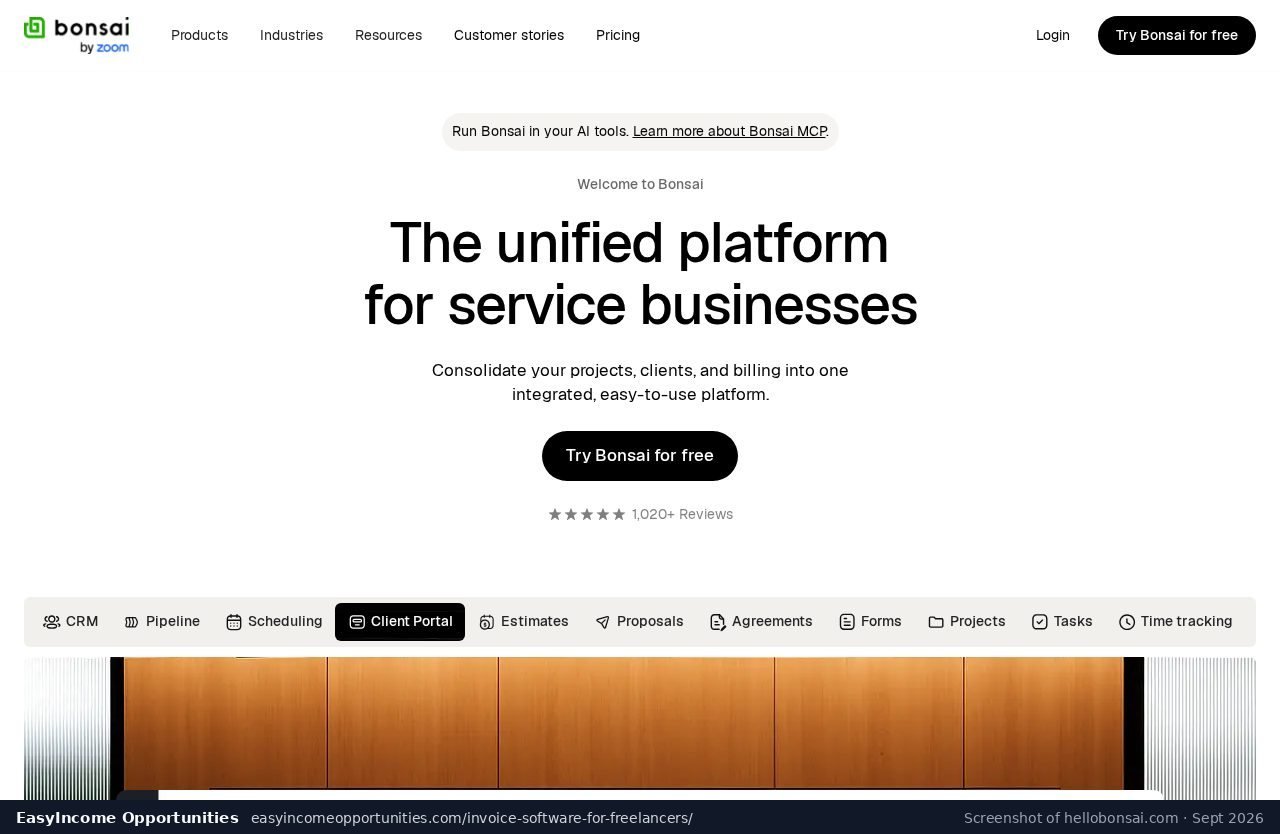
Bonsai prices per user. Invoicing starts on the Essentials plan at $25 a month, or $19 billed yearly. Premium costs $39 and Elite $59 a month, with Elite needing at least three users. The $15 Basic plan does not include invoicing. It holds a rating of 4.3 out of 5 from 101 reviews on G2.
Bonsai is also the source of the best late-payment data here. Across three years of invoices, 29% were paid late, but over 75% of those late invoices were paid within 14 days and 90% within a month (Bonsai: late freelance payment data (100,000+ freelancers)). So a polite, automated reminder sent shortly after the due date usually does the job. Pricing details are on its site (Bonsai pricing).
Weak point: per-user pricing adds up for teams, and G2 reviewers report payouts held for 7 to 14 business days (G2: Bonsai reviews).
Who it suits: established freelancers who want invoicing as one part of a wider paid business management suite.
9 PayPal Invoicing: easy, but the priciest to get paid
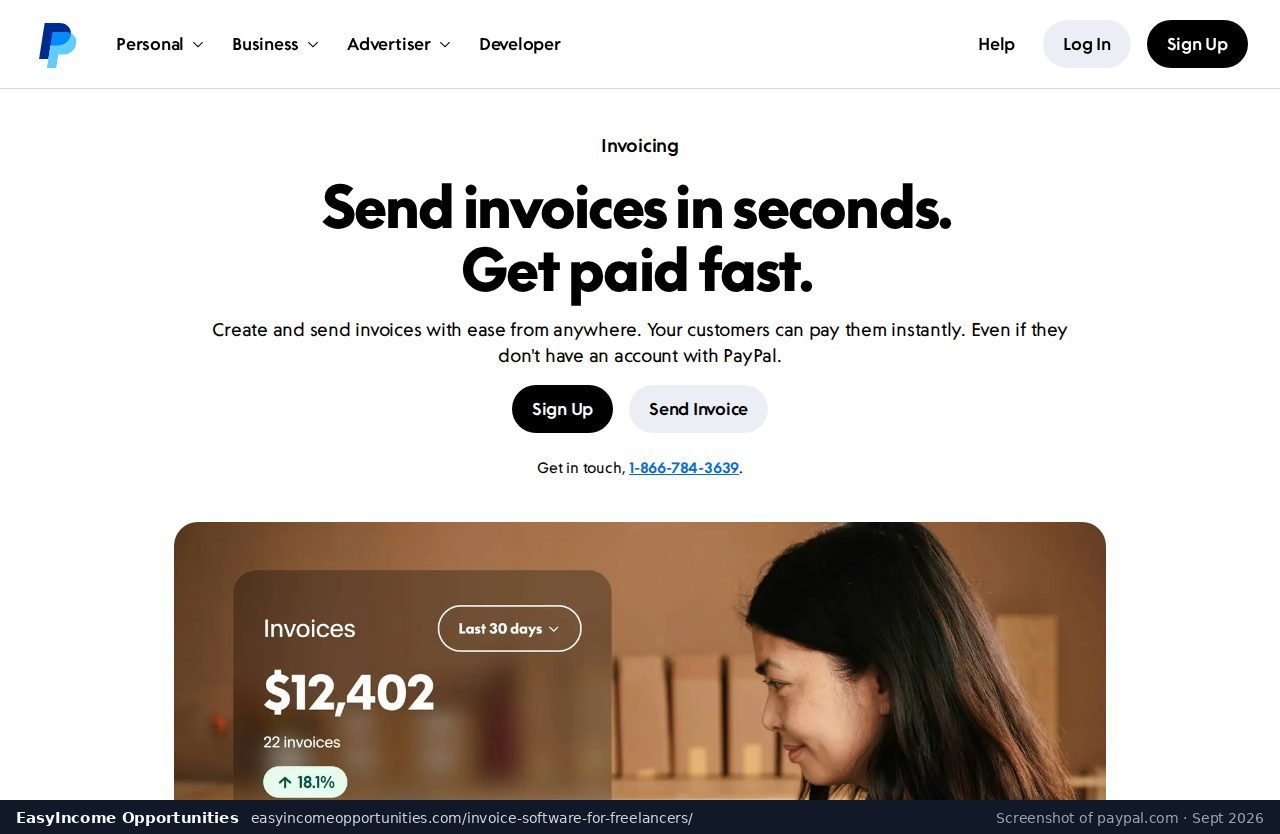
PayPal lets you send invoices free, and many clients already have an account. The cost comes when they pay: 3.49% plus $0.49 through PayPal or Venmo, and 2.99% plus $0.49 by card, plus 1.5% for international payments. On a $1,000 invoice that is up to $35.39.
PayPal is a fine backup option for a client who insists on paying that way, because almost everyone already has an account (PayPal business fees (US)). As your main invoicing tool, however, it costs more per payment than any other route covered in this guide.
Weak point: the highest per-payment fee in this list (PayPal business fees (US)).
10 How to choose invoice software in 2026
Start with your client count and location. Under five clients, the free plans from Invoice Ninja or Zoho Invoice are enough. In the US or Canada, Wave adds free payments. If you dislike subscriptions, Invoiless costs $69 once. Then push clients toward bank payments to cut fees.
Your invoicing tool should match how you earn. If you sell gigs on marketplaces, the platform pays you and invoicing matters less; our Fiverr review explains those fees. If you run your own client business with AI tools, like the freelancers in our report on AI freelancers earning more, direct invoicing is where you keep more of each payment.
Building a client-facing site or app? See our comparison of Lovable alternatives. Making video content for clients? Our JoggAI review covers a low-cost AI avatar tool. And before you take any “job” that asks you to pay first, read our Paid Online Writing Jobs review and Live Chat Jobs review.
11 Invoice software FAQ
These answers cover the questions freelancers ask most: which invoice app is free, which is cheapest to get paid through, whether Wave works outside North America, what the Invoiless lifetime deal includes, and how often clients pay late. Each answer links to the pricing or data source behind it.
What is the best free invoice software for freelancers?
Zoho Invoice is fully free for up to 500 invoices a year and two users (Zoho Invoice pricing). In the US or Canada, Wave’s free plan sends unlimited invoices (Wave pricing).
Which invoicing option has the lowest payment fees?
Bank payments. Stripe ACH costs 0.8% capped at $5, and Wave and FreshBooks charge 1% for ACH, versus about 2.9% plus a fixed fee for cards (Stripe pricing; Wave Payments fees; FreshBooks pricing).
Does Wave work outside the US and Canada?
No. Wave is only available in the US and Canada (G2: Wave reviews).
What does the Invoiless lifetime deal include?
A one-time $69 plan on AppSumo with a 60-day refund window; clients can pay by Stripe, PayPal or GoCardless (AppSumo: Invoiless listing).
How often do freelance clients pay late?
In Bonsai’s data from 100,000+ freelancers, 29% of invoices were paid late, and 90% of those within a month (Bonsai: late freelance payment data (100,000+ freelancers)).
Is PayPal good for freelance invoices?
It is easy to send, but fees are the highest here: 3.49% plus $0.49 via PayPal or Venmo in the US (PayPal business fees (US)).
Sources
- Zoho Invoice pricing
- Wave pricing
- AppSumo: Invoiless listing
- Stripe pricing
- PayPal business fees (US)
- Wave Payments fees
- Invoice Ninja pricing
- Capterra: Zoho Invoice reviews
- G2: Wave reviews
- FreshBooks pricing
- Invoiless pricing
- Capterra: Invoice Ninja reviews
- G2: FreshBooks reviews
- Bonsai: late freelance payment data (100,000+ freelancers)
- Bonsai pricing
- G2: Bonsai reviews